

The Social Sphere Store
Frequently Asked Questions
-
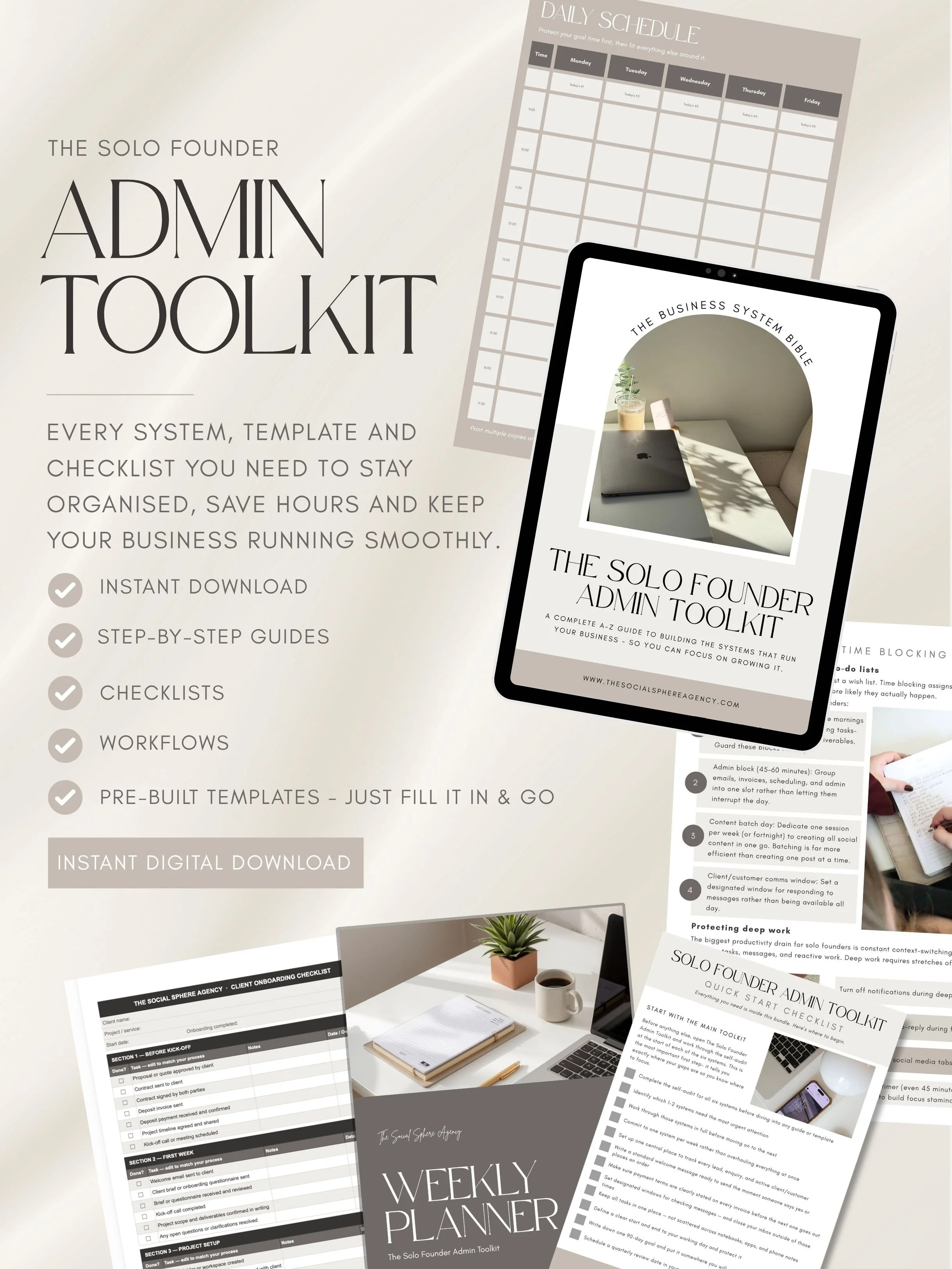
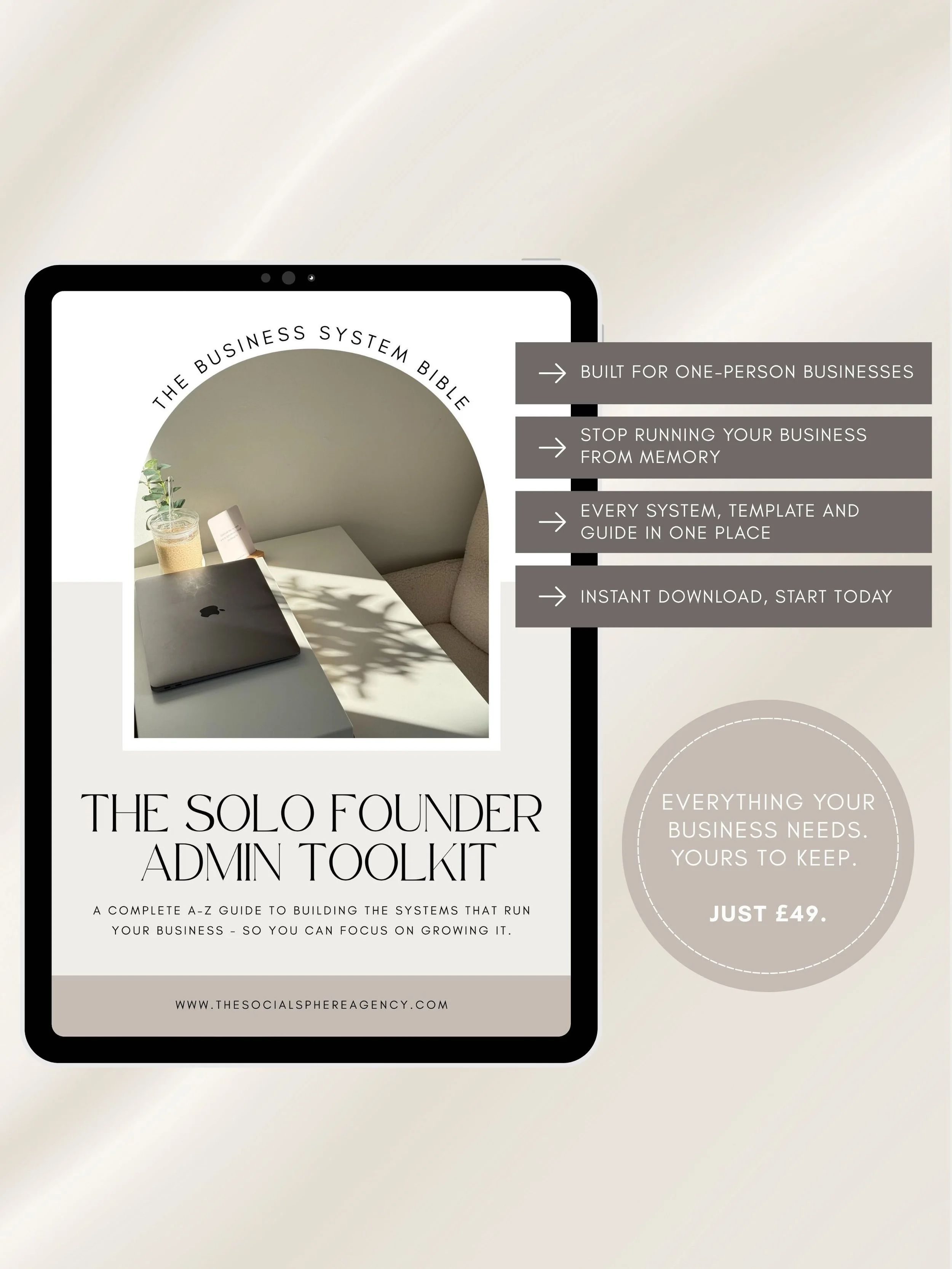
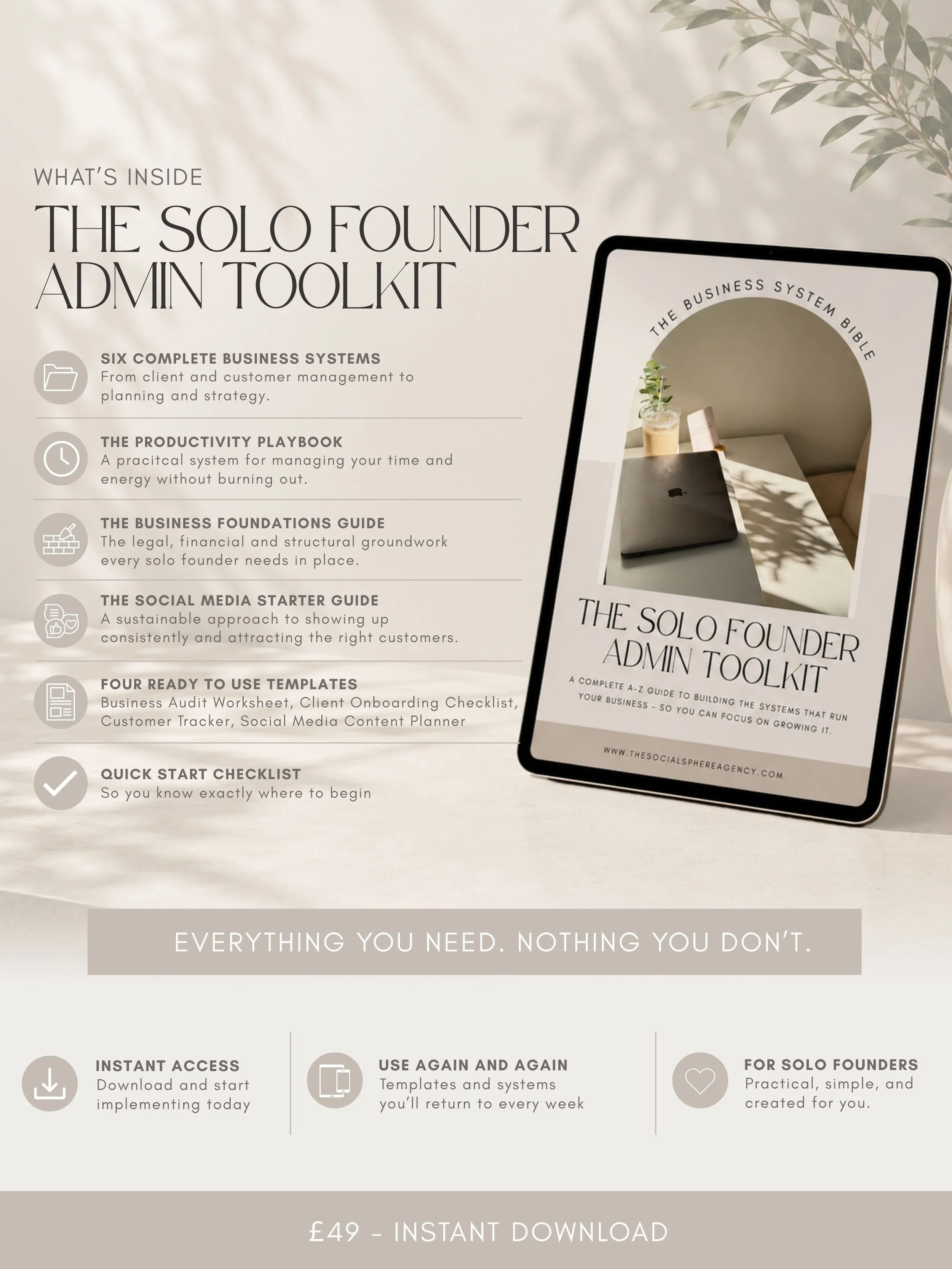
Once your purchase is complete, you'll receive an email with a PDF download. Inside, you'll find a link to your Google Drive folder containing all your files, along with simple instructions to get started.
-
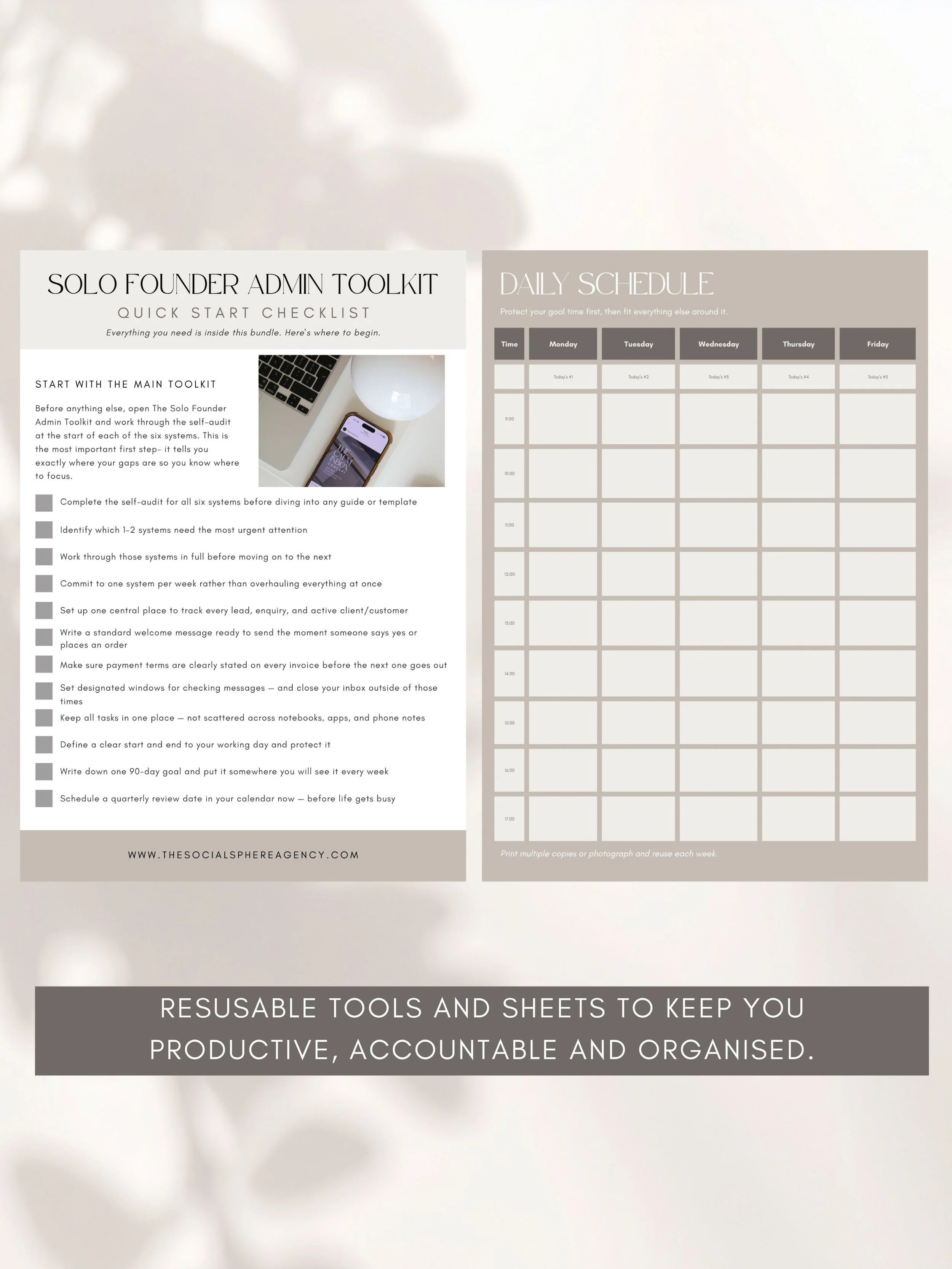
It depends on the file type. Spreadsheets and some documents are editable- simply open the file in Google Drive and go to File → Make a Copy to save your own editable version. Guides and workbooks are provided as PDFs and are not editable.
-
Files are provided as a mix of Google Sheets, Google Docs, and PDFs depending on the product. All files are accessed via Google Drive.
-
No software needed- everything is accessed through Google Drive, which is free. You'll just need a Google account to make copies of editable files.
-
If you have any issues with your purchase, get in touch at orders@thesocialsphereagency.com and we’ll get back to you as soon as possible.